ProCirrus offers a Compliance Archive as part of Email Security Pro. The archive captures every email into and out of the firm's email accounts and stores them outside of Exchange on the firm's private ProCirrus cloud storage. End users cannot delete or edit messages in the archive.
Advantages of the Compliance Archive:
- All email is captured for e-discovery and regulatory compliance.
- Users can easily find lost or old emails on their own.
- The firm can reduce Exchange storage while maintaining long-term email retention.
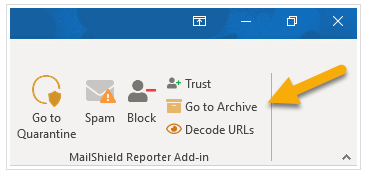
The archive is searchable from a web portal launched from your ProZone Homepage, and is also reachable from the MailShield Reporter add-in inside Microsoft Outlook.
Accessing your Compliance Archive
Step 1: Launch the Archive
You can launch the Compliance Archive from either of two places.
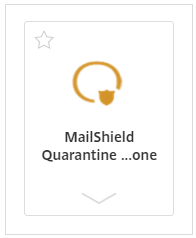
From your ProZone Homepage, click the Mailshield Quaratine shortcut:
Or, from the MailShield Reporter add-in at the top of your Outlook ribbon, click this link:
Step 2: Sign in
If you have already signed into MailShield during your current session, skip ahead to Step 3.
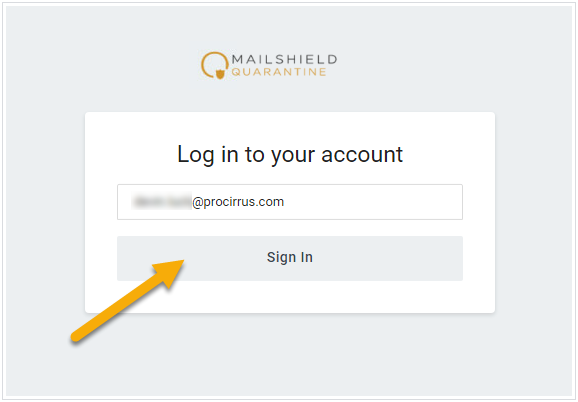
Enter your email address and click Sign In.
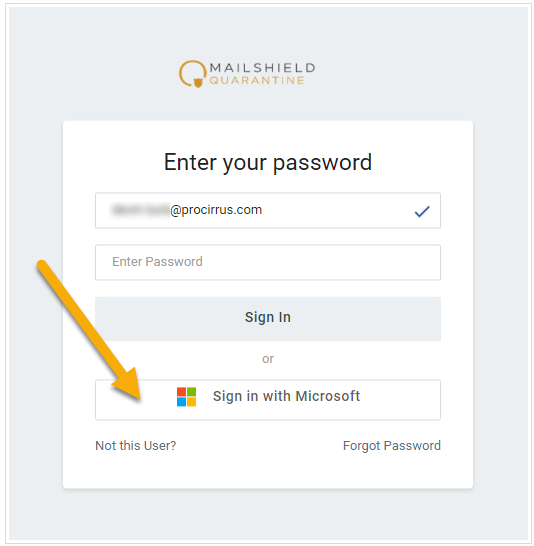
On the next page, click Sign in with Microsoft at the bottom. You will be signed in automatically using your ProZone credentials.
Step 3: Open the Archive
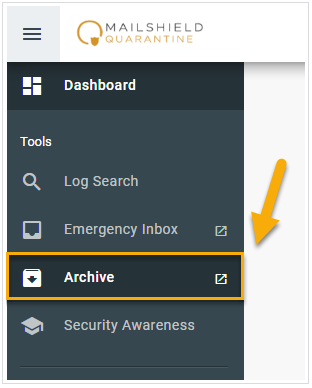
You are now signed into MailShield. On the left menu, select Archive.
Step 4: Choose Search or Saved Searches
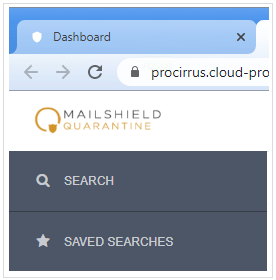
The Compliance Archive landing page gives you two options: Search and Saved Searches.
Search
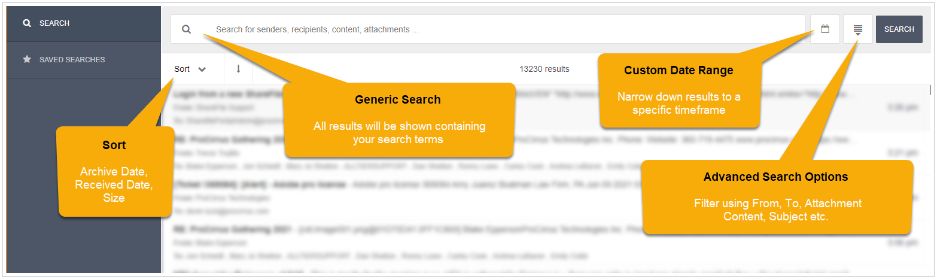
The Search view lets you query the archive across all captured email by sender, recipient, subject, date range, and keyword.
Saved Searches
Saved Searches let you store frequently used queries so you can re-run them without rebuilding the criteria each time.

Was this article helpful?
That’s Great!
Thank you for your feedback
Sorry! We couldn't be helpful
Thank you for your feedback
Feedback sent
We appreciate your effort and will try to fix the article